How to add birthdays to your iPhone calendar
Your iPhone can show birthdays in the Calendar app on its own, as long as they're saved in your contacts. Here's how to turn it on and get an alert in time.
Steps
- Open Contacts, pick a person, tap Edit, then add birthday. Do this for everyone whose birthday you know.
- Open the Calendar app, tap Calendars at the bottom, and make sure Birthdays is checked.
- To get an alert, open Settings, then Calendar (on newer iPhones: Settings, Apps, Calendar), then Default Alert Times, then Birthdays, and pick when: on the day, 1 day, 2 days or 1 week before.
What this doesn't do
One alert time applies to every birthday. Anyone not in your contacts, or saved without a birthday, won't show up, and the Birthdays calendar doesn't hold notes or gift ideas.
Birthdays that aren't in your contacts
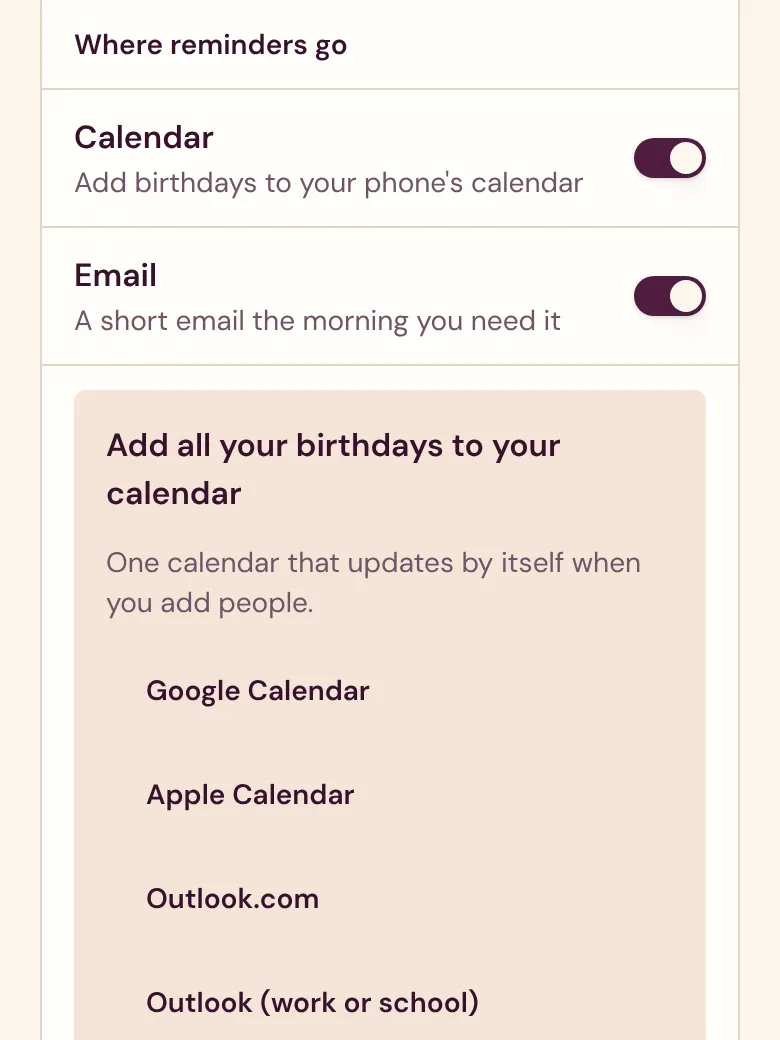
In Velita, open Settings, then Calendar, then Apple Calendar. Your iPhone subscribes to one calendar with everyone on your list, with alerts on the days you chose. It updates by itself when you add someone, and friends can send you their birthday with a link.
Start your list before the next one.
Start my listFree. No ads. No passwords.