Birthday reminders in Google Calendar
Google Calendar shows the birthdays saved in your Google contacts. Here's how to see them, get a notification, and fix the usual problems.
Steps
- Open contacts.google.com, pick a person, tap Edit, and add their birthday. Save.
- In Google Calendar, open the list of calendars and make sure Birthdays is turned on.
- For a notification, open Google Calendar's settings, pick Birthdays under your calendars, and add a notification for all-day events at the time you want.
Common problems
A birthday doesn't show up: it's saved in your phone's contacts but not in your Google account. Check that the contact is in contacts.google.com.
No notification: the Birthdays calendar has none until you add one in its settings.
A new birthday takes a while: Google can take some time to show changes from Contacts.
Birthdays that aren't in your Google contacts
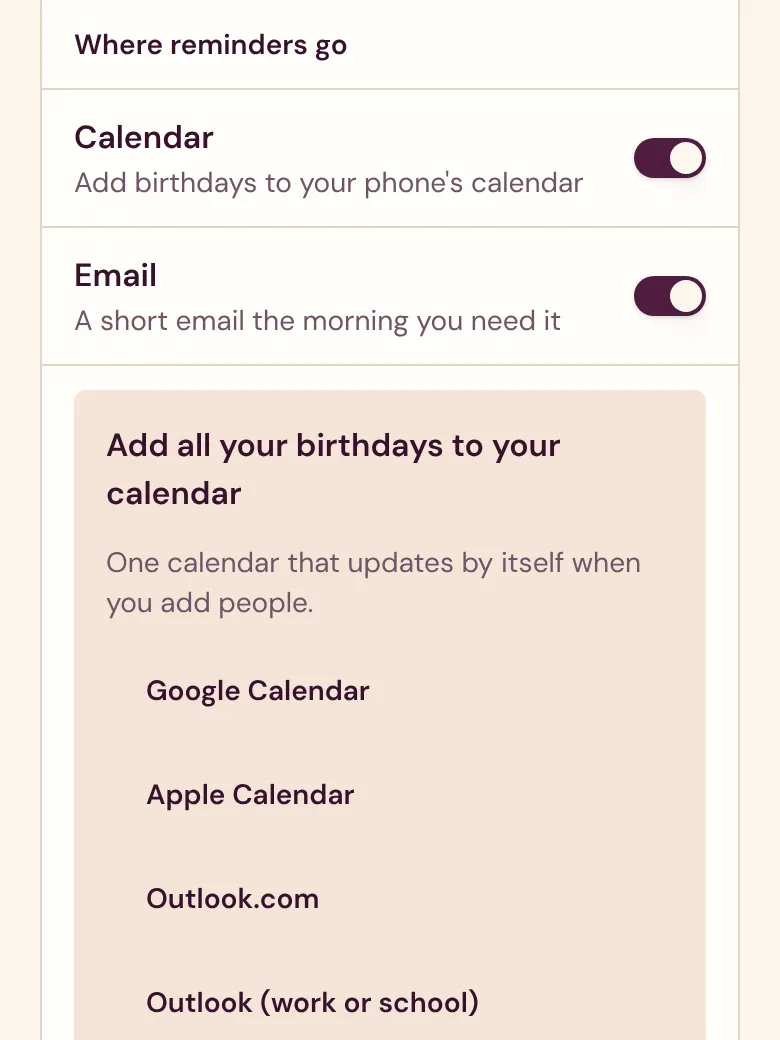
In Velita, open Settings, then Calendar, then Google Calendar. Google subscribes to one calendar with everyone on your list. Google can take up to a day to show new birthdays and doesn't use Velita's alerts, so add a notification to that calendar in Google too. Velita also emails you a week before each birthday.
Start your list before the next one.
Start my listFree. No ads. No passwords.